🖼️ Screenshot Gallery
This page collects screenshots of Songloft's main screens, covering desktop / mobile, in both light / dark themes.
📌 All screenshots are captured automatically by a script and committed with the repository under
docs/public/screenshots/. To regenerate these images after a UI redesign, see the Landing Page Screenshot Update Guide.
📑 Table of Contents
Home
Service overview and entry points to recommended playlists.
| Light | Dark | |
|---|---|---|
| Desktop | 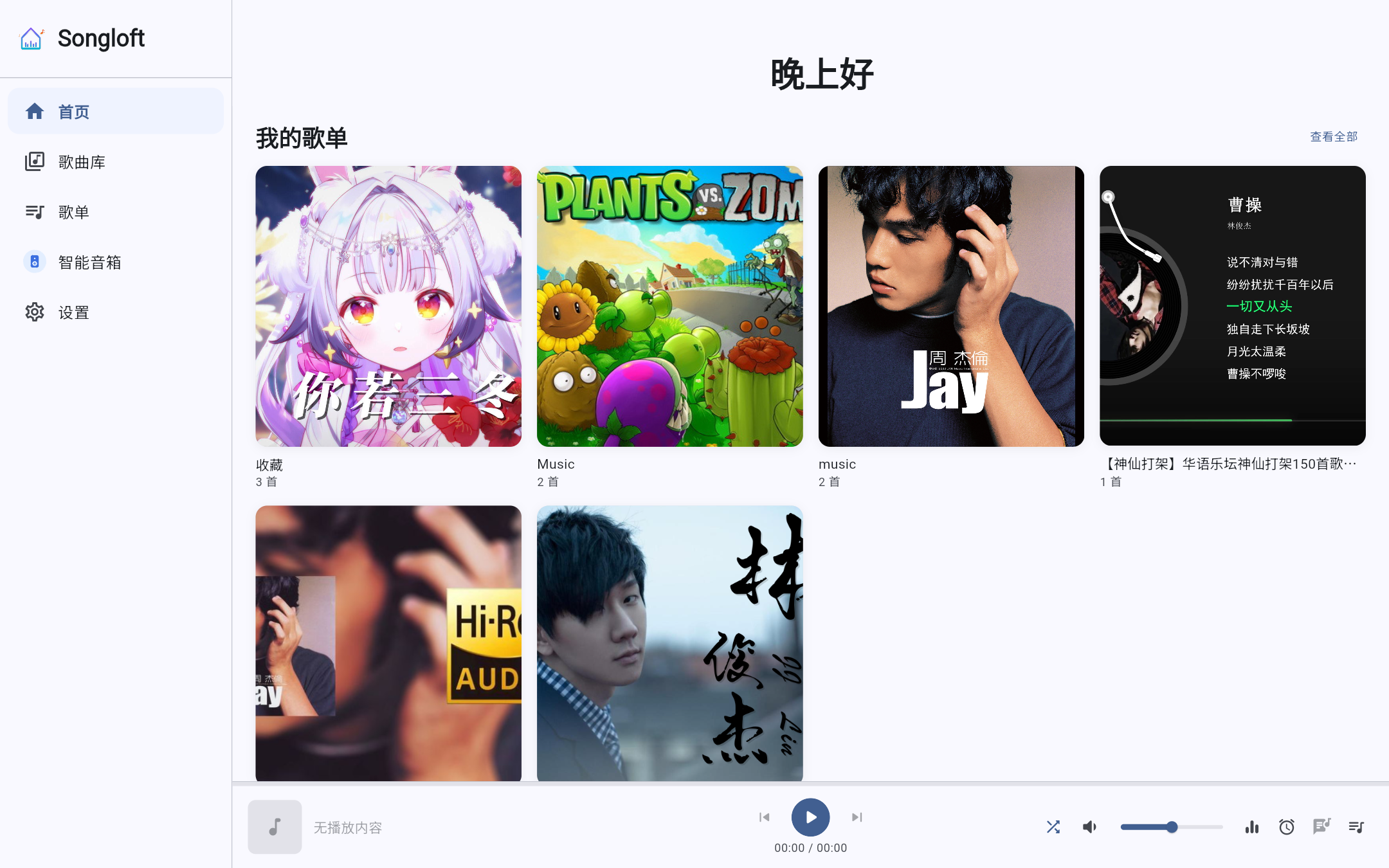 | 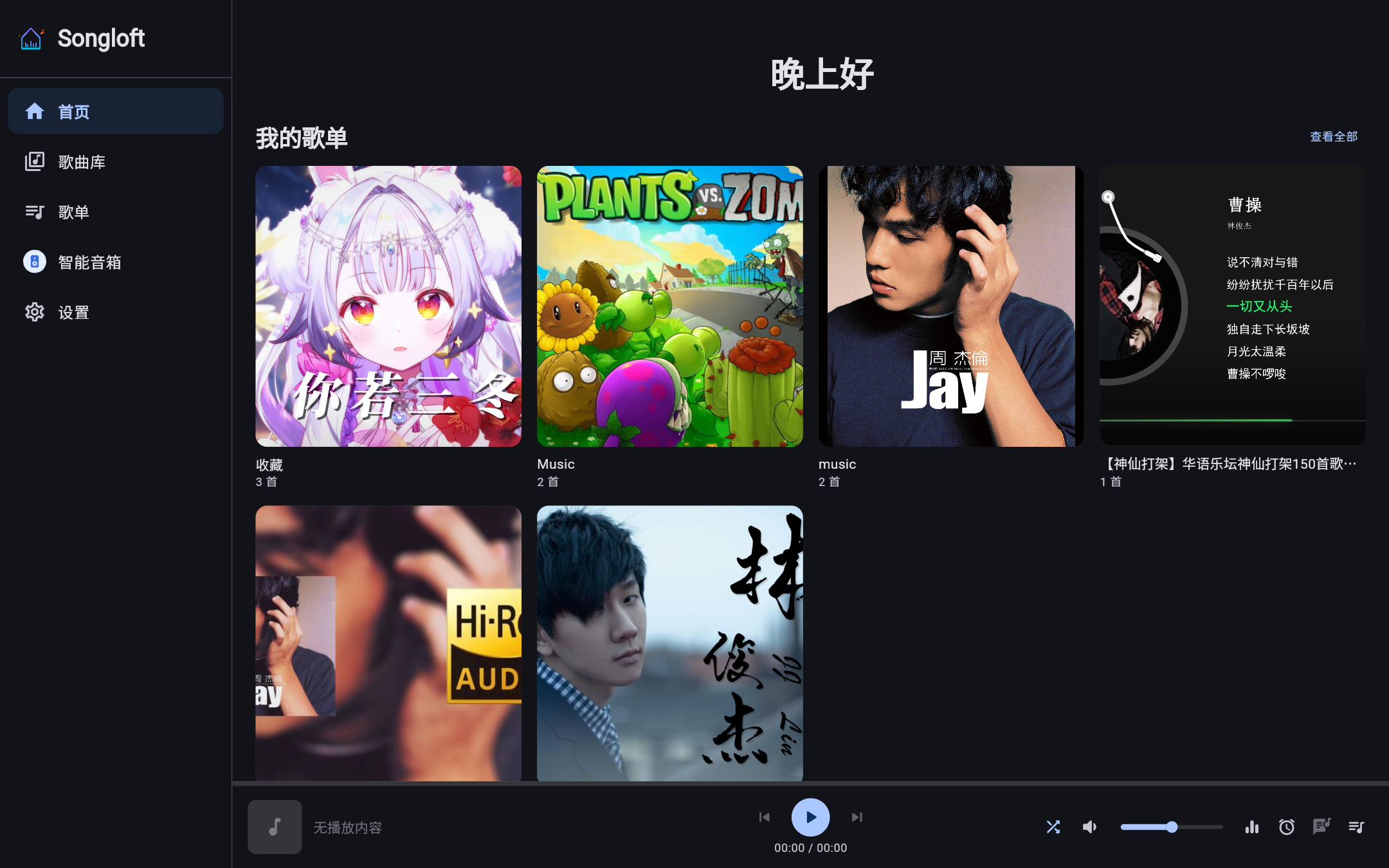 |
| Mobile | 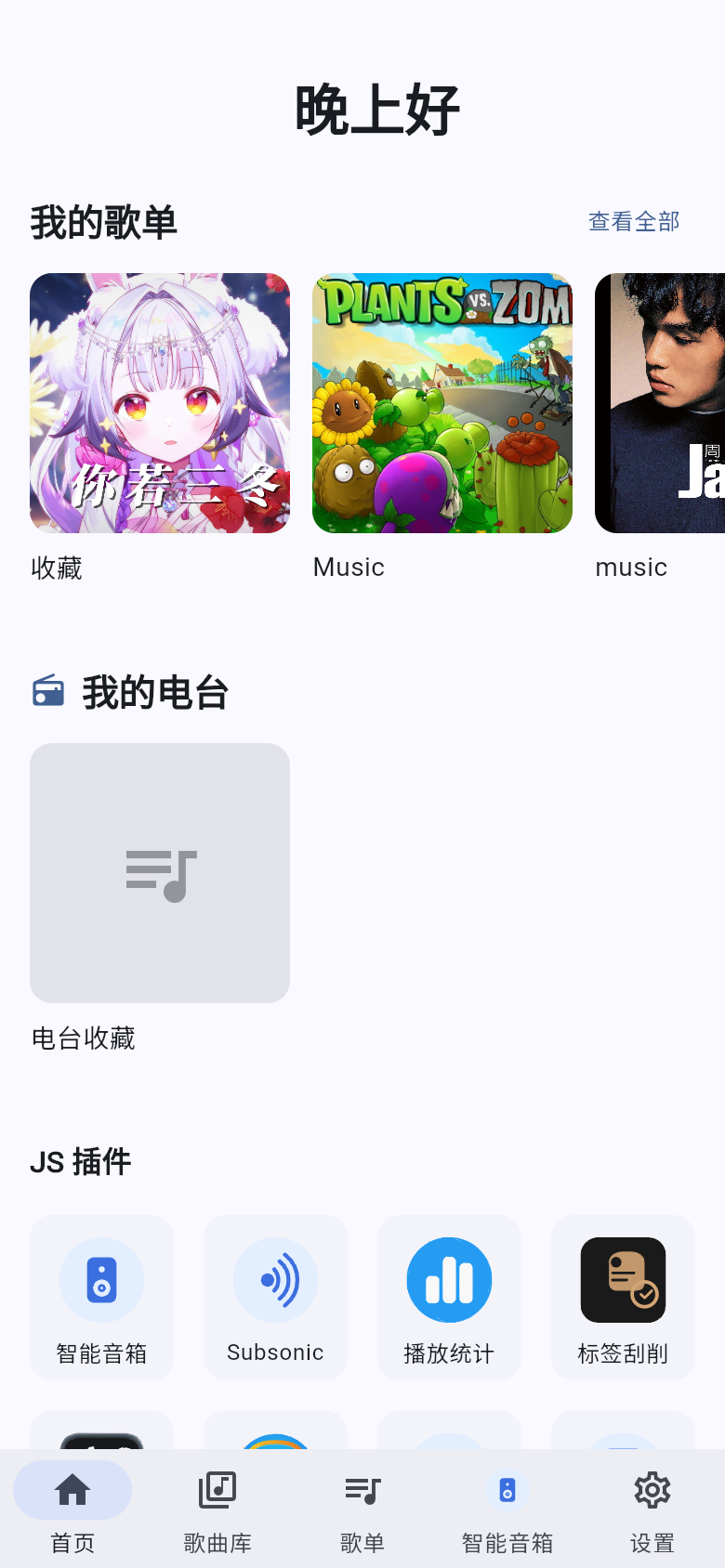 | 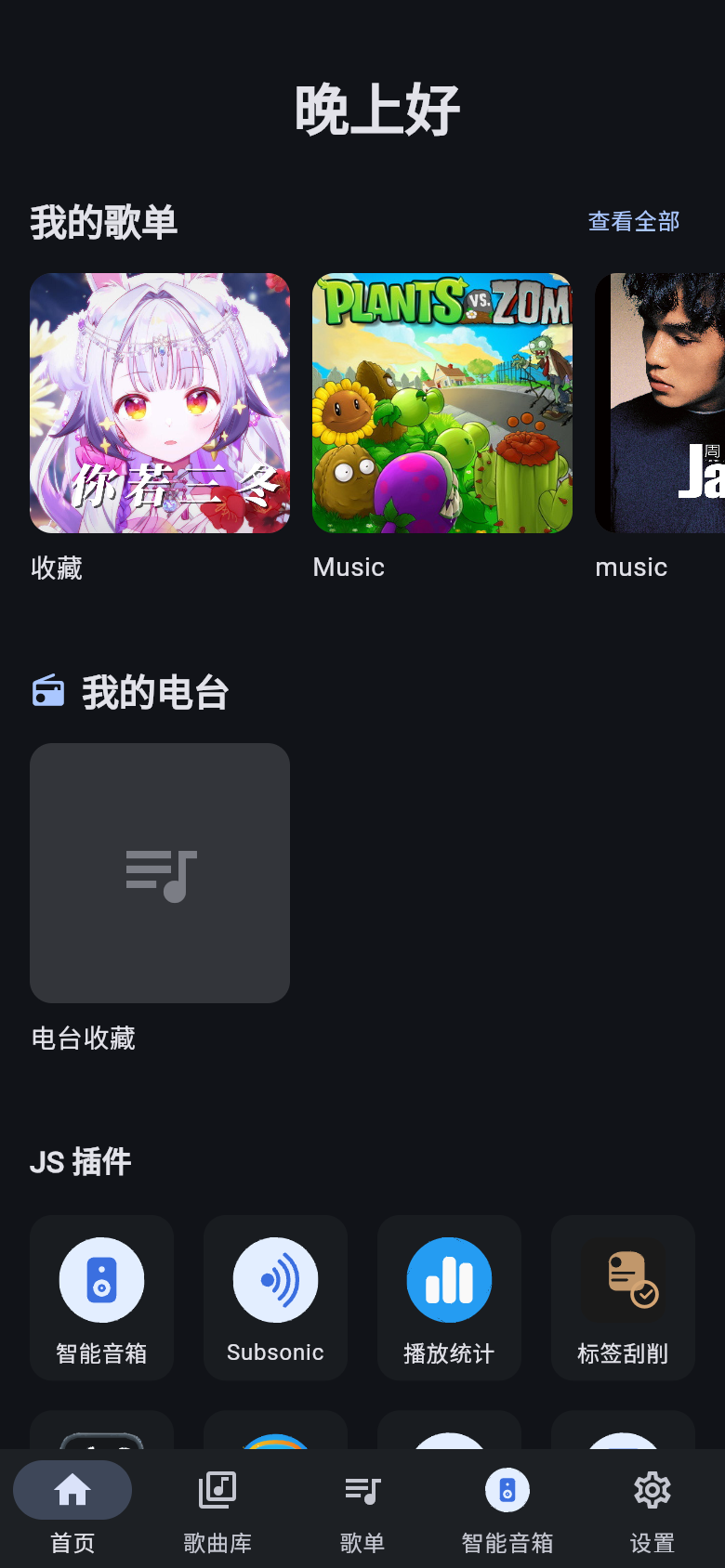 |
Library
Browse all local and remote songs, with cover art and metadata display.
| Light | Dark | |
|---|---|---|
| Desktop | 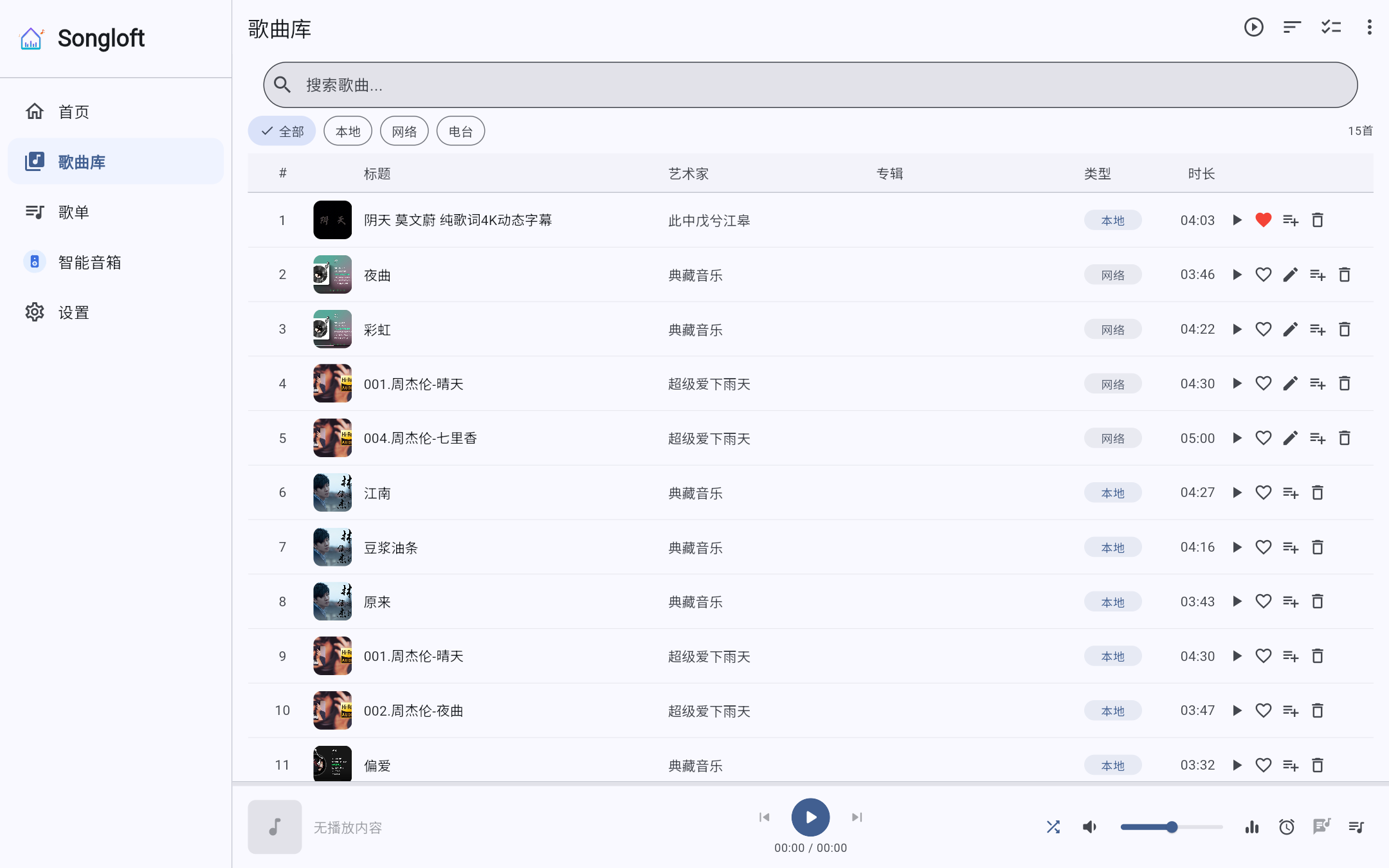 | 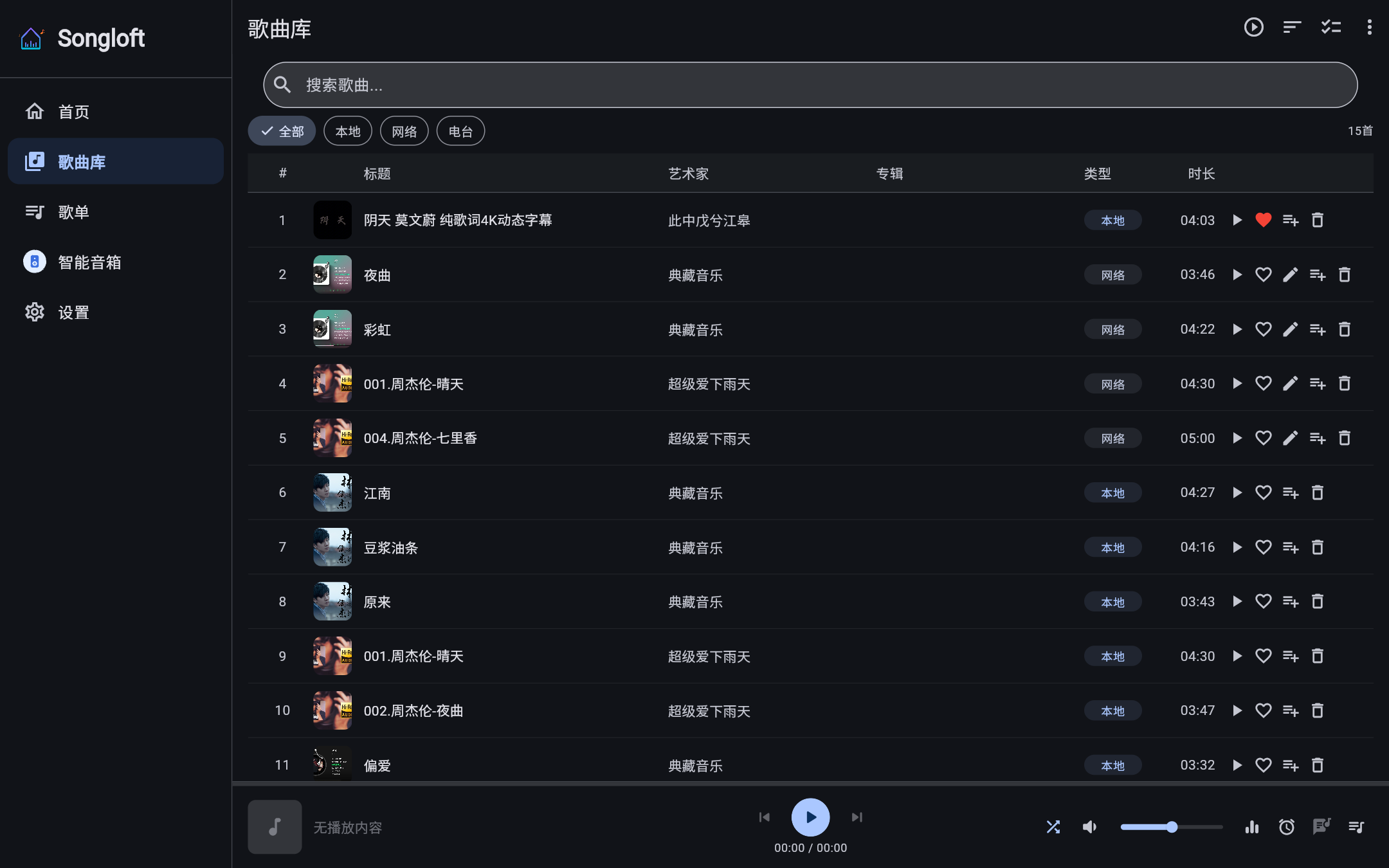 |
| Mobile | 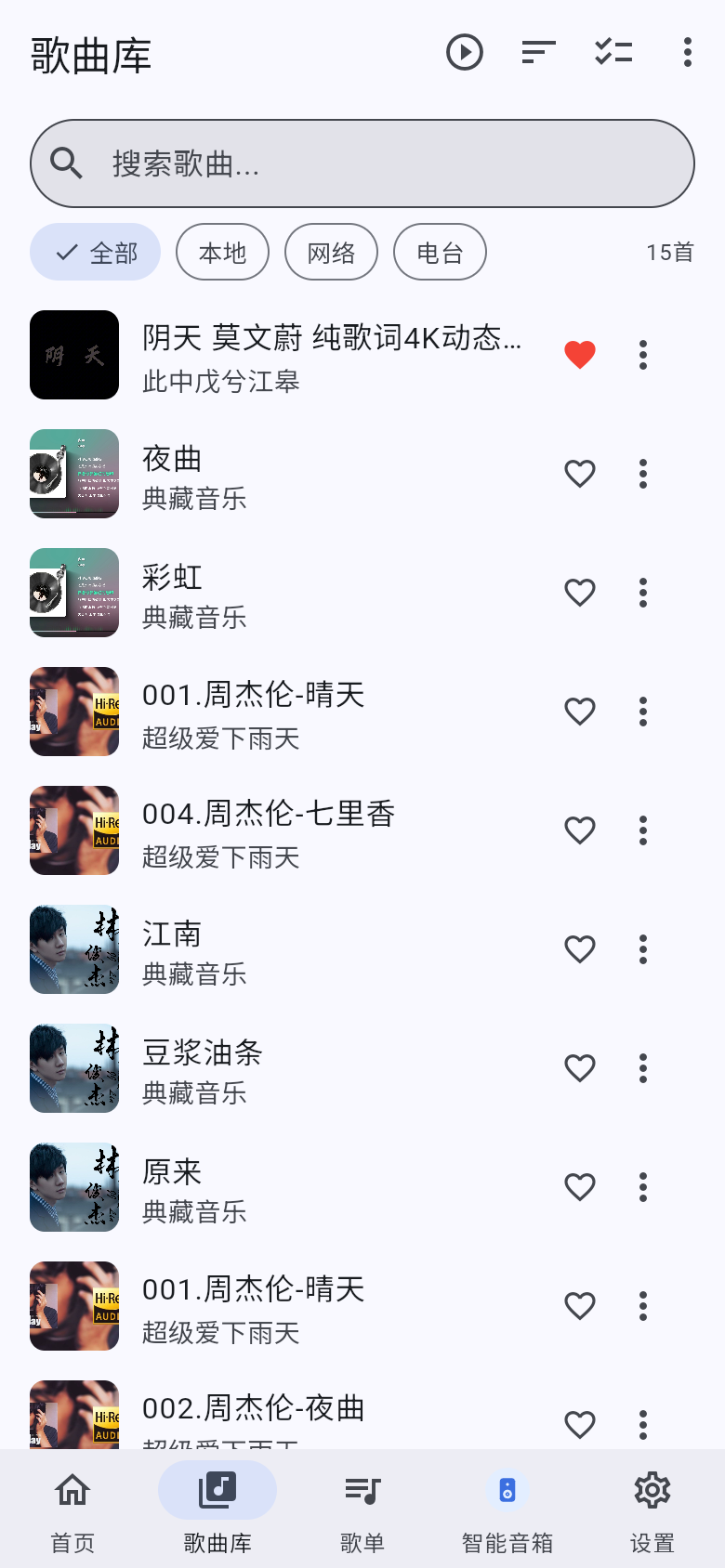 | 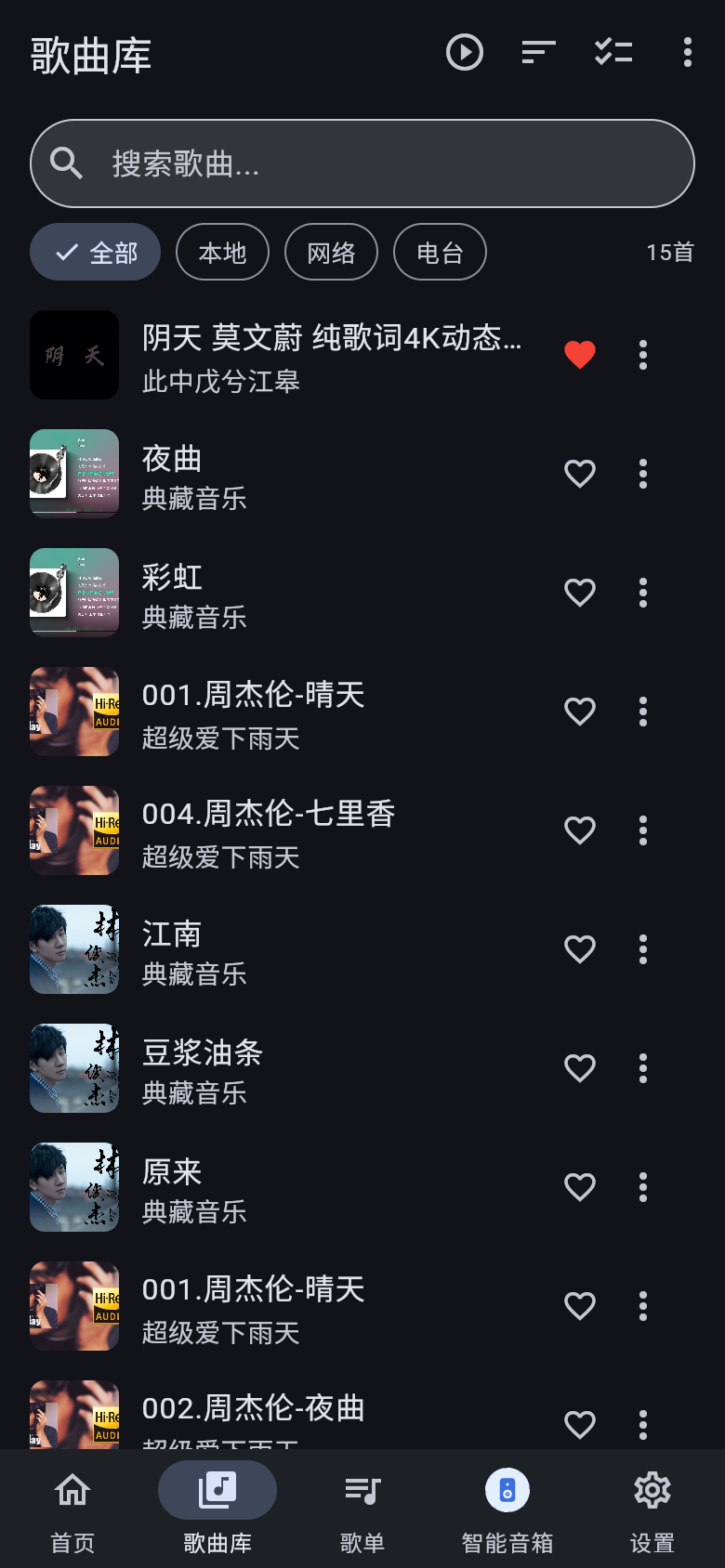 |
Playlists
Manage all playlists, including the built-in "Favorites" and "Radio Favorites".
| Light | Dark | |
|---|---|---|
| Desktop | 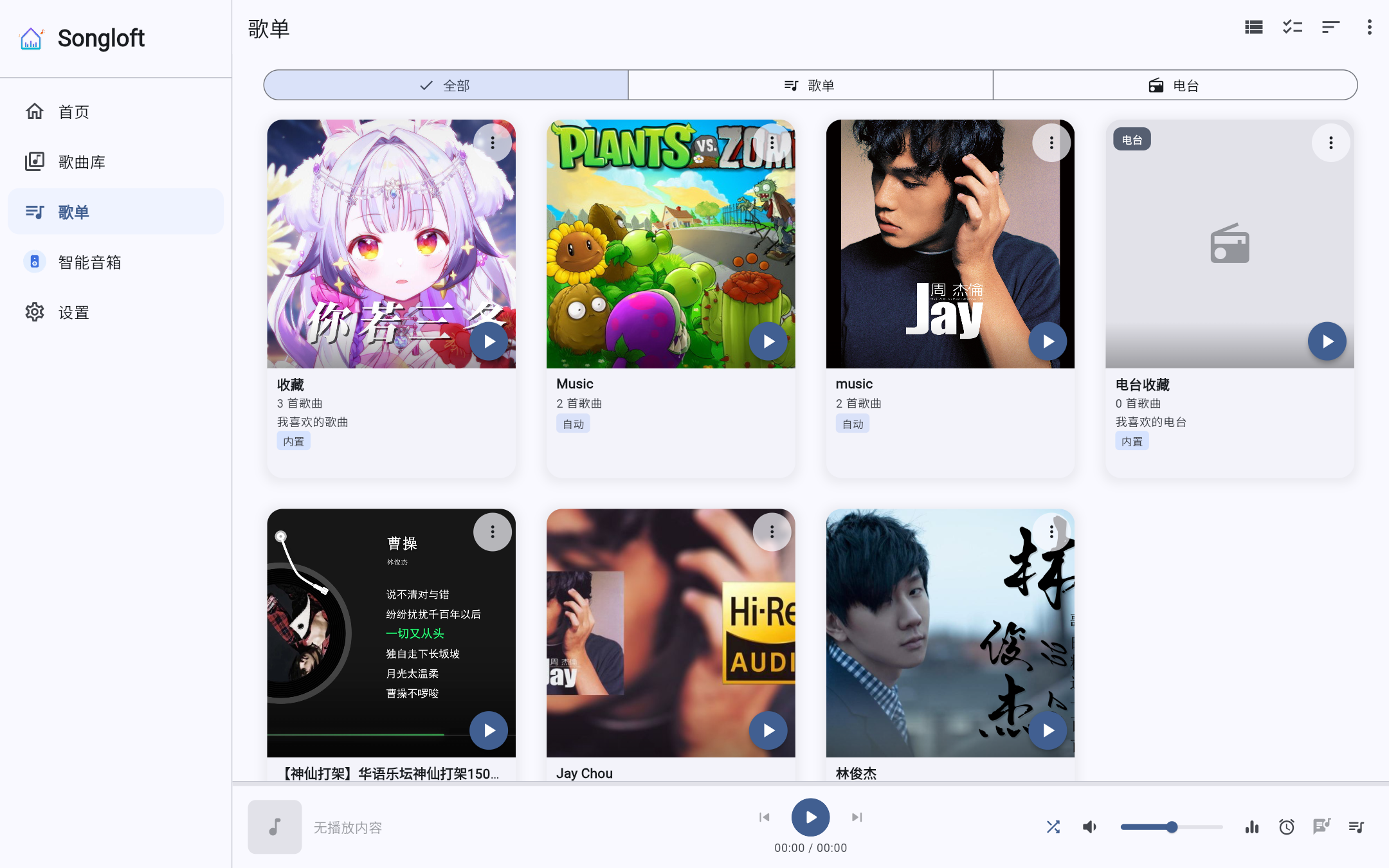 | 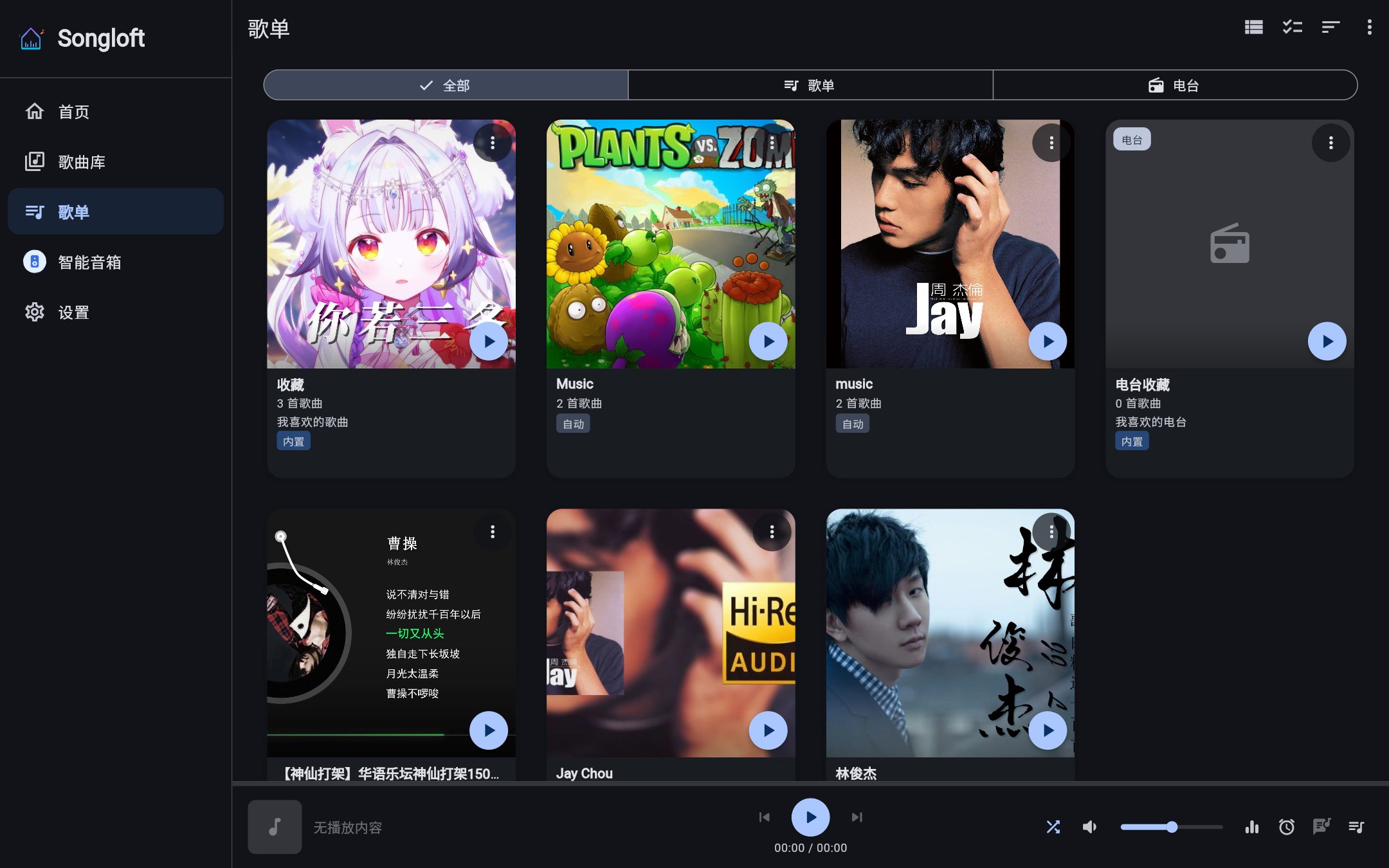 |
| Mobile | 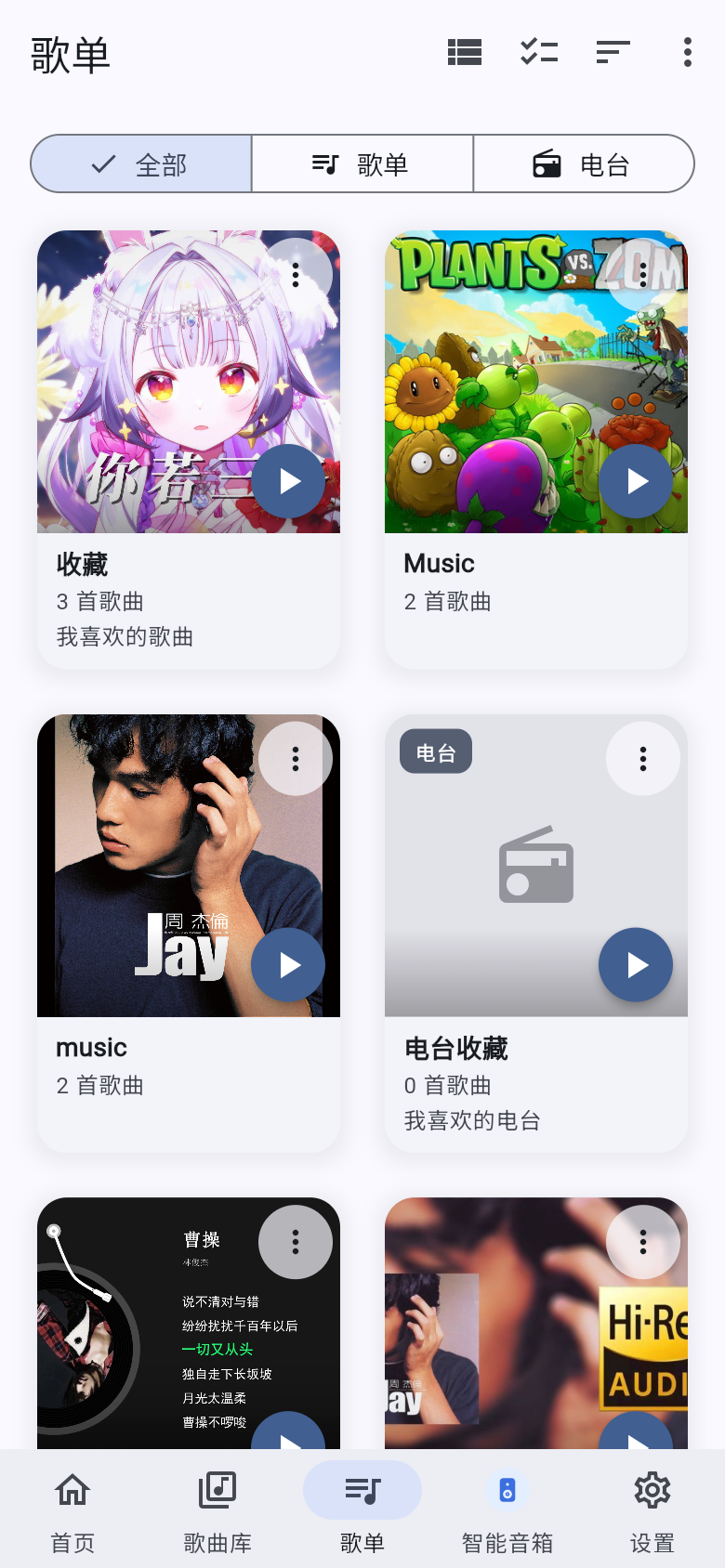 | 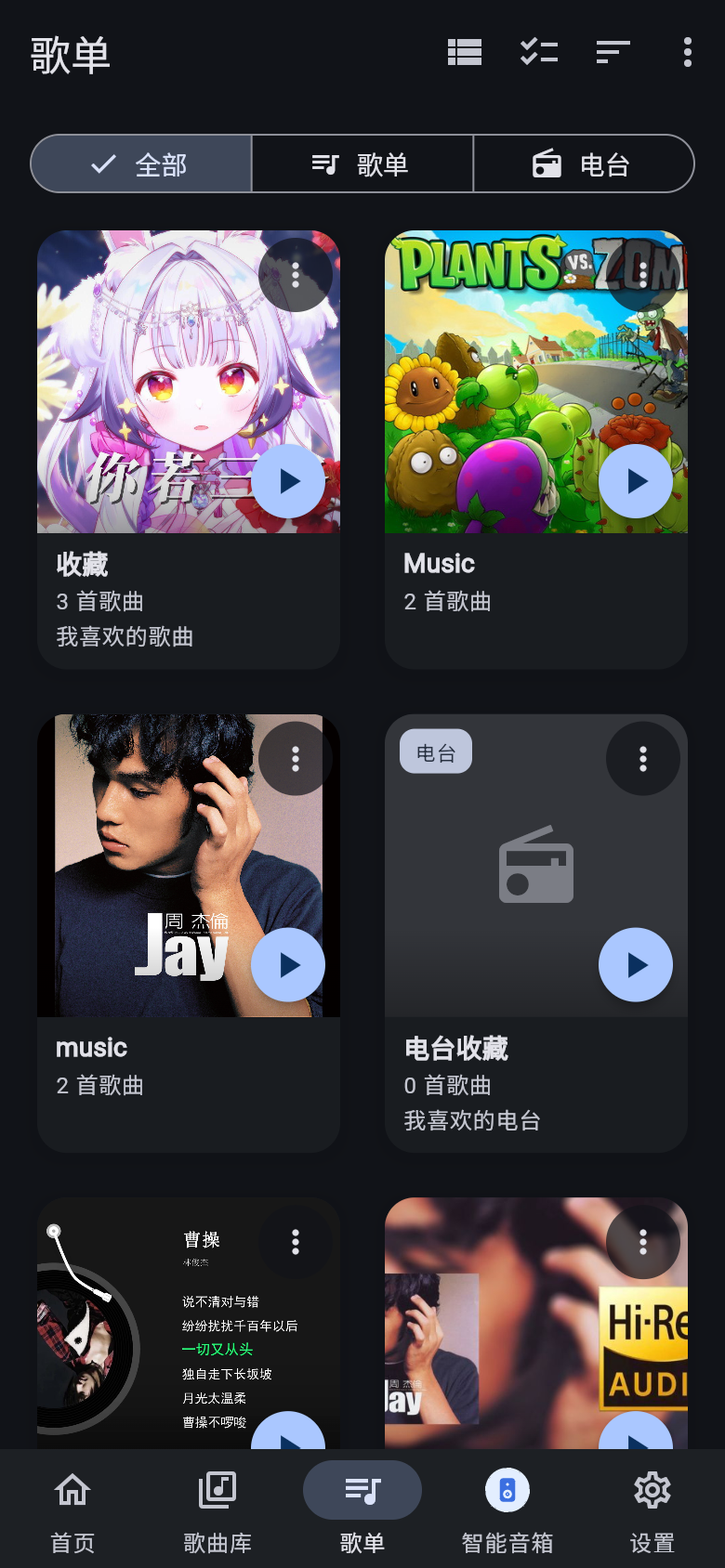 |
Playlist Detail
Track list and playback entry point for a single playlist.
| Light | Dark | |
|---|---|---|
| Desktop | 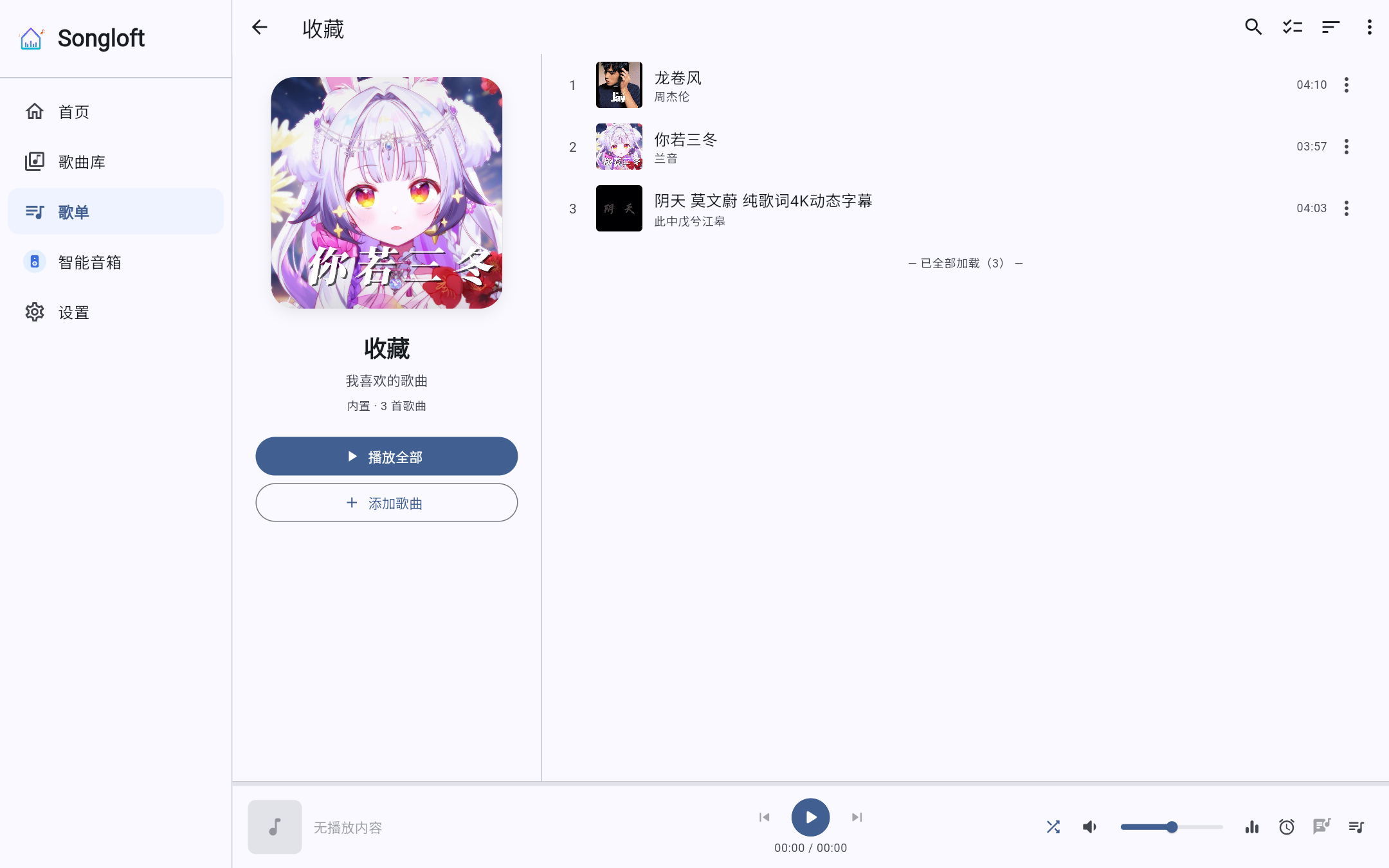 | 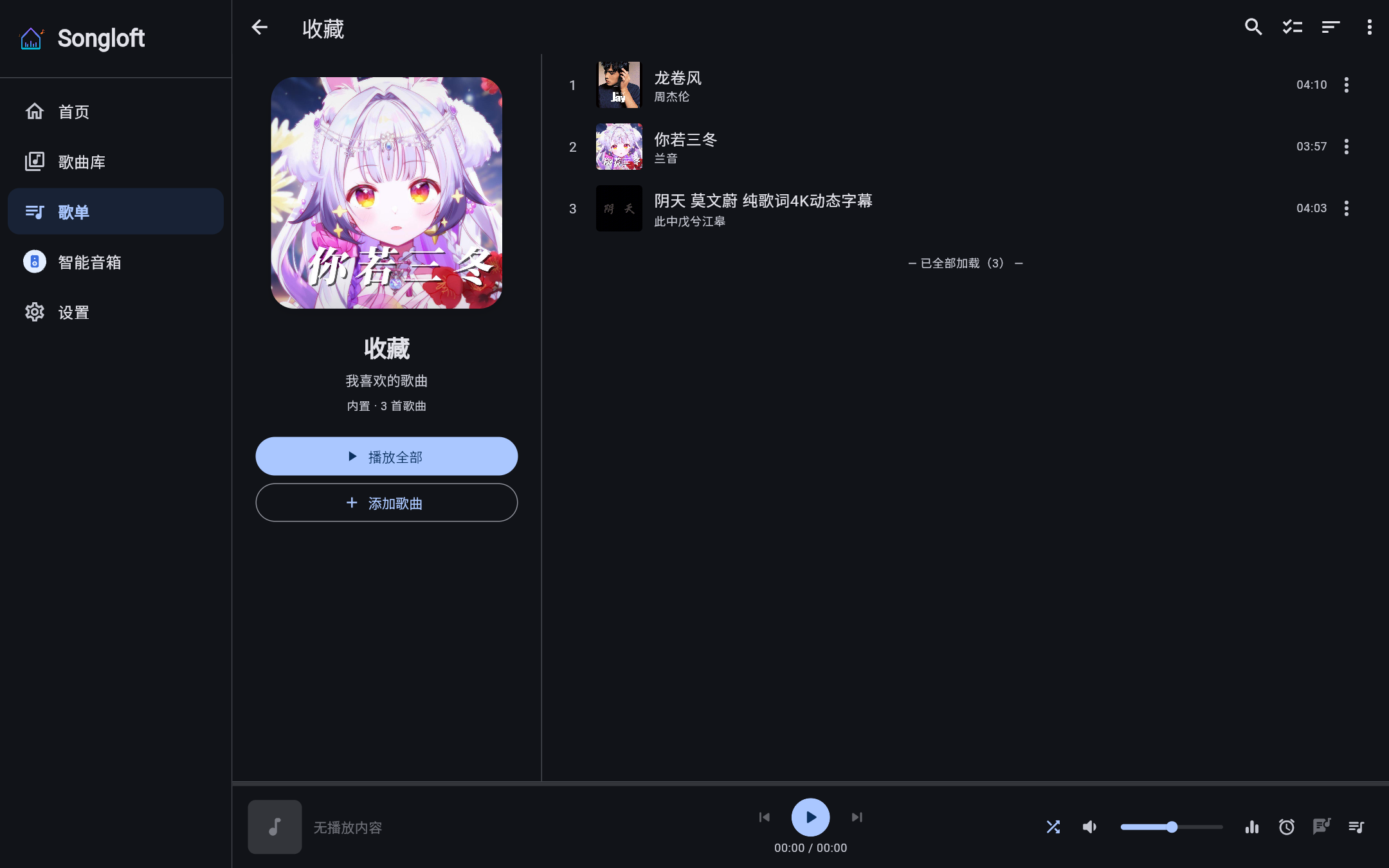 |
| Mobile | 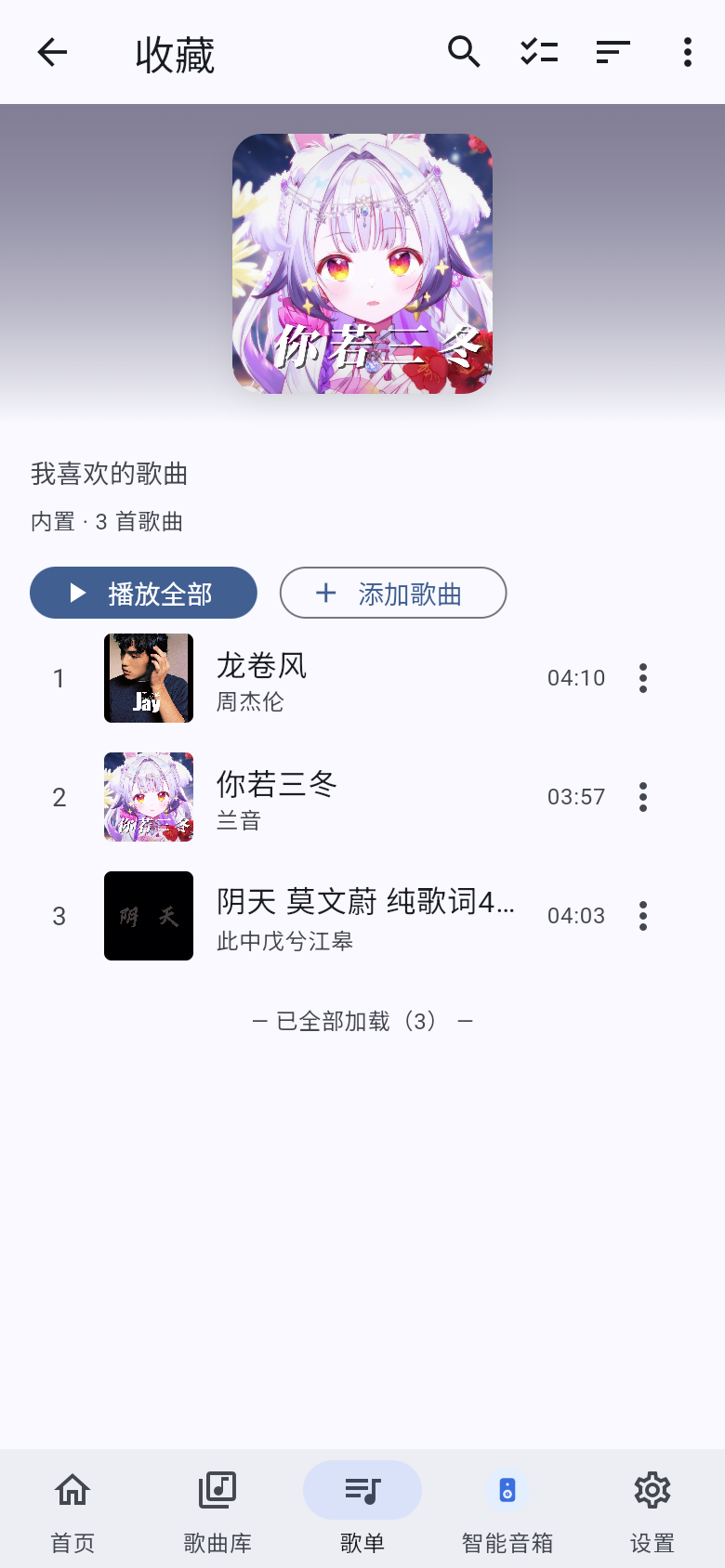 | 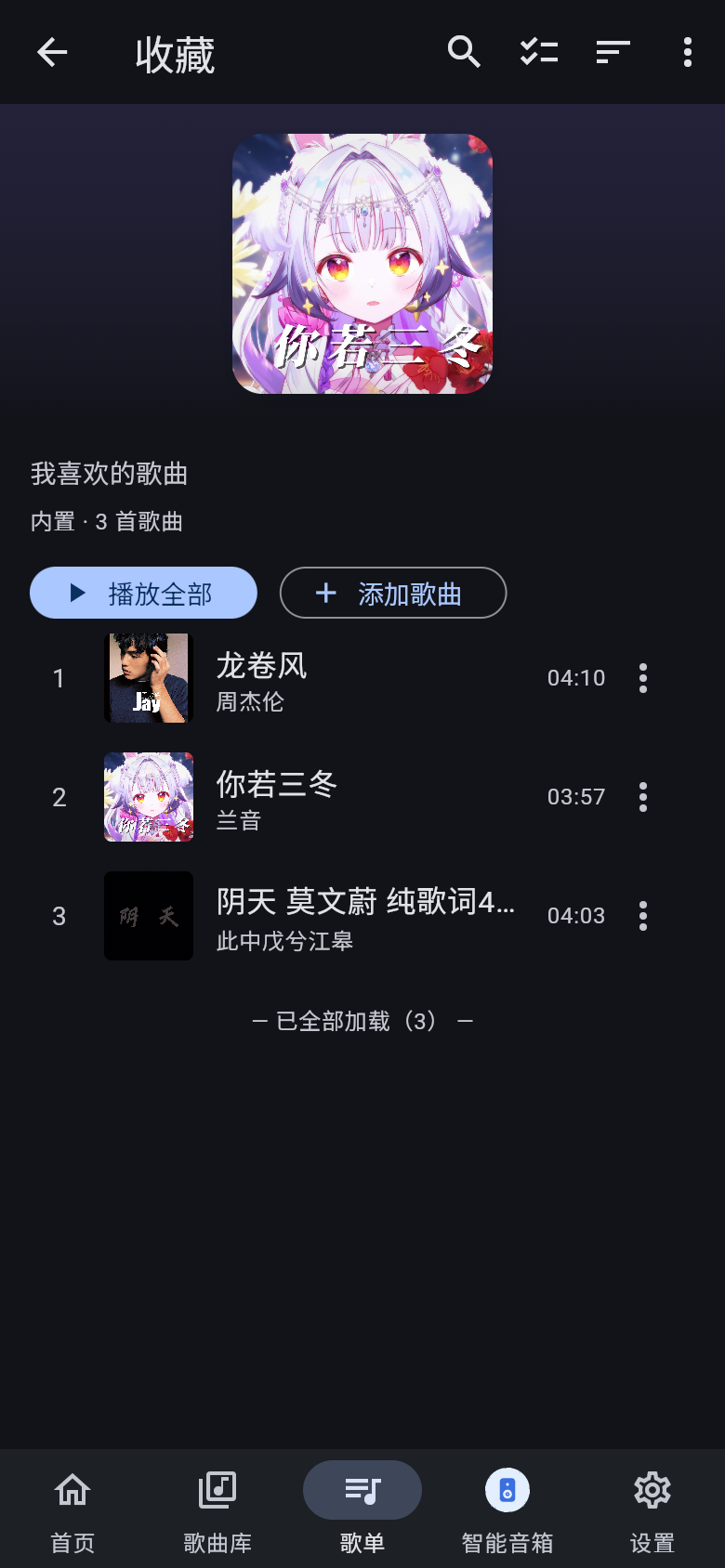 |
Immersive Player
Full-screen mobile Now Playing, with cover art, lyrics and playback controls.
| Light | Dark |
|---|---|
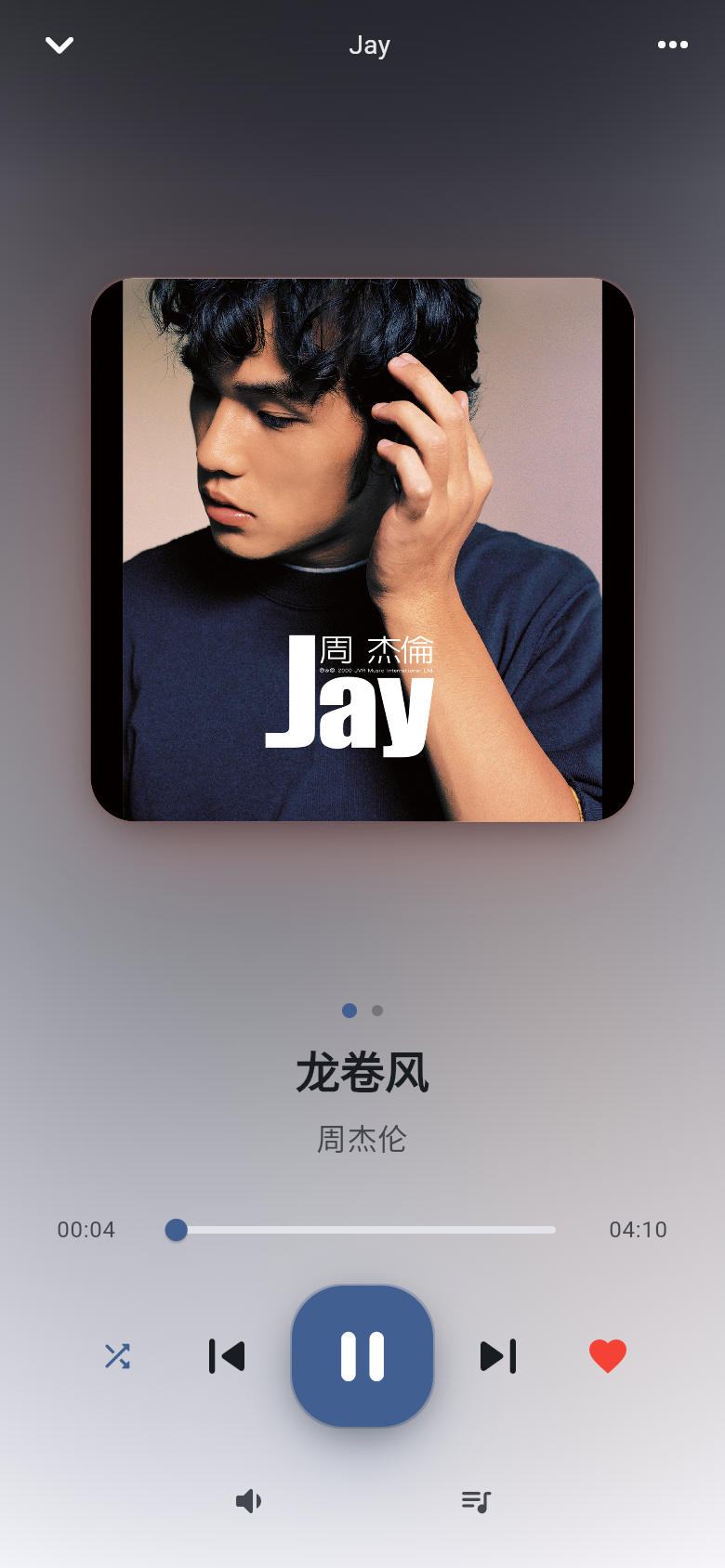 | 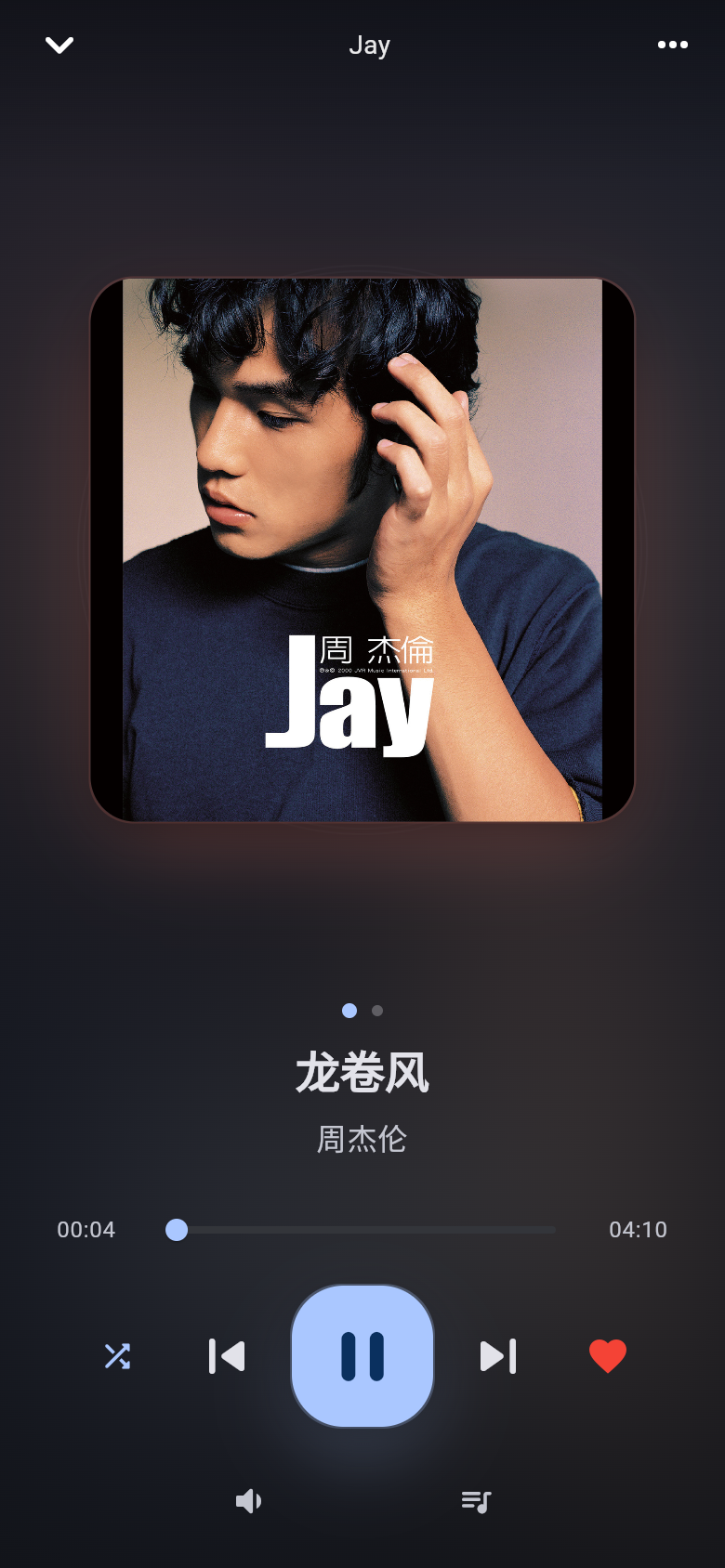 |
Settings
Entry points for service configuration, account, cache, plugins and more.
| Light | Dark | |
|---|---|---|
| Desktop | 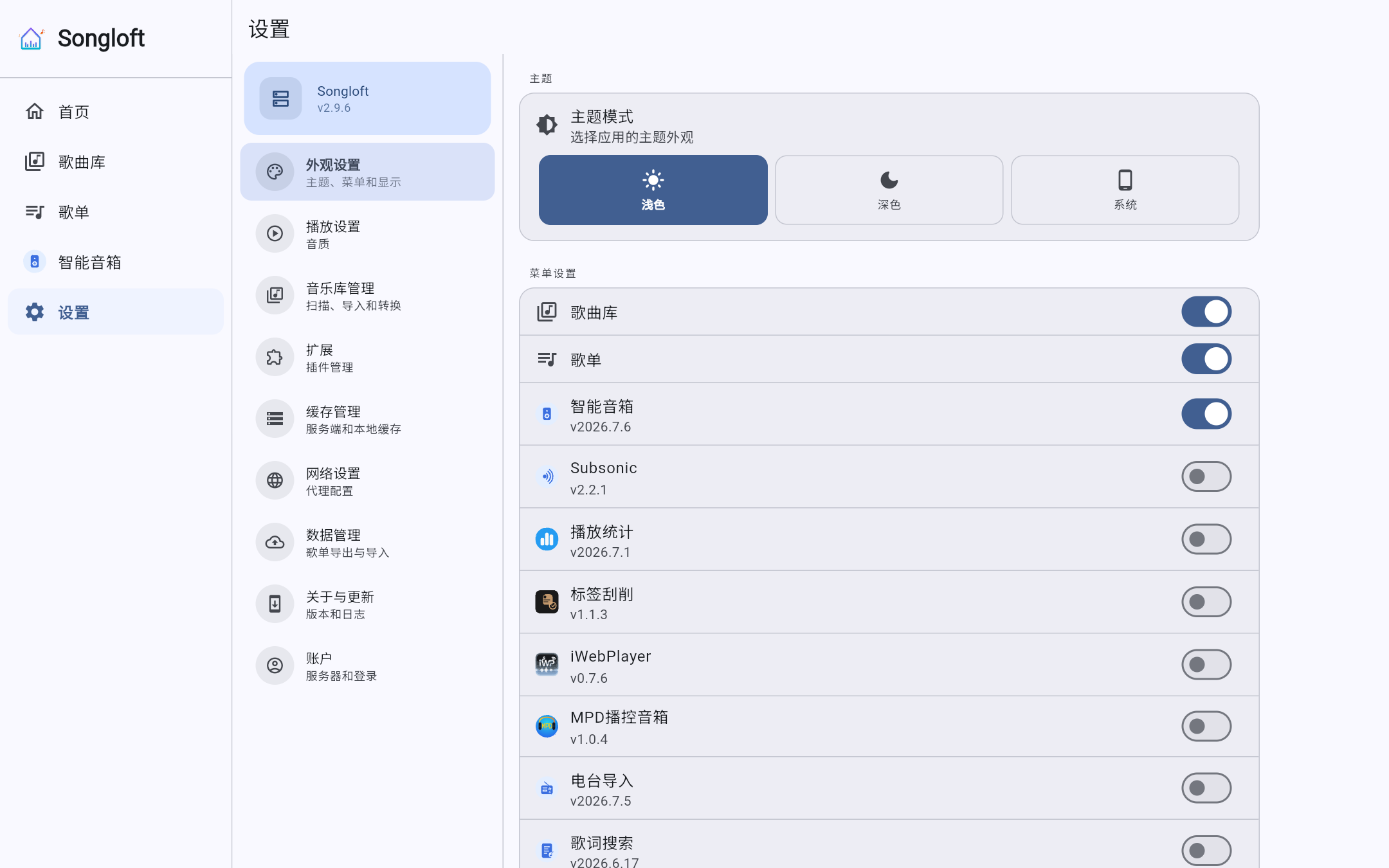 | 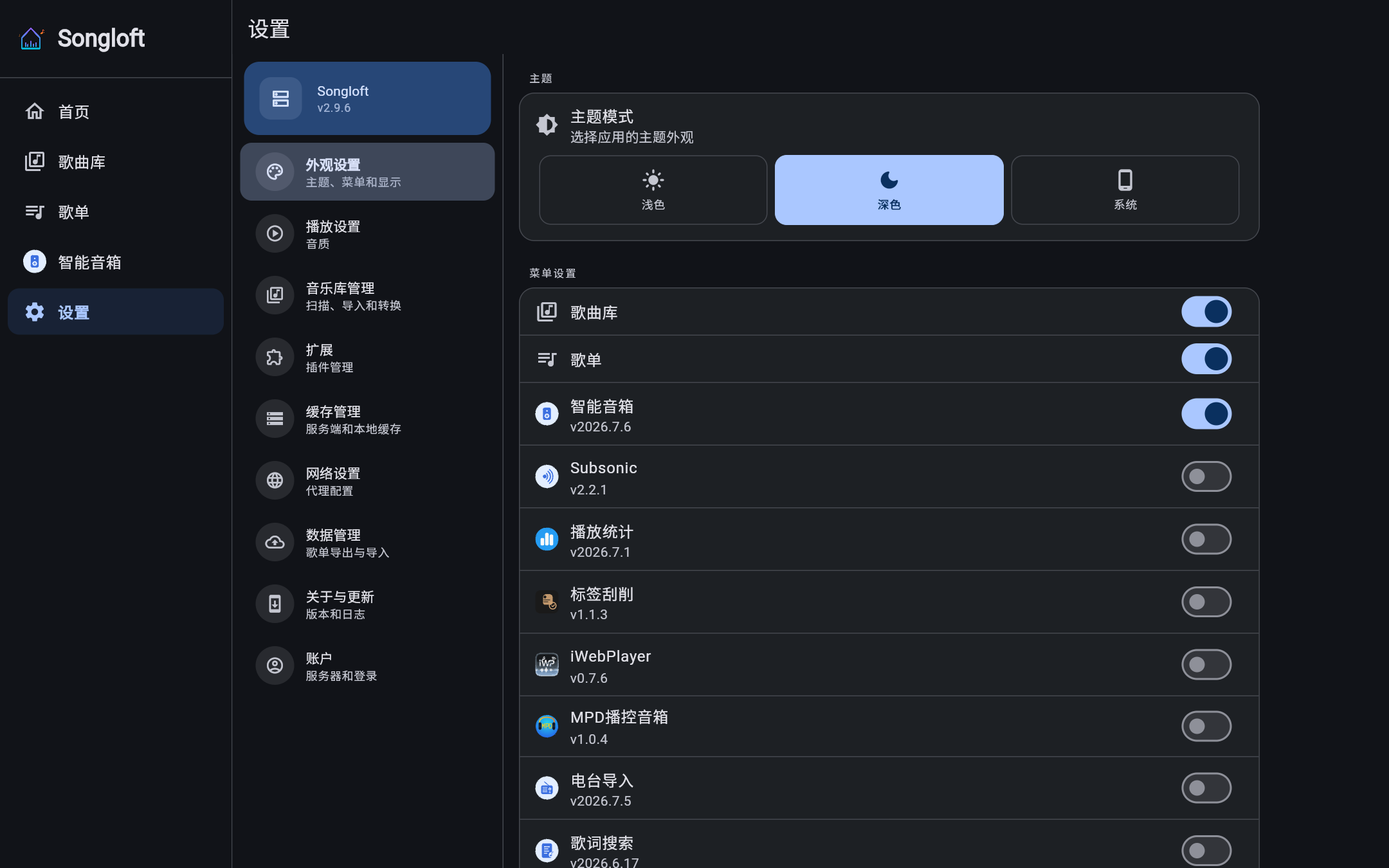 |
| Mobile | 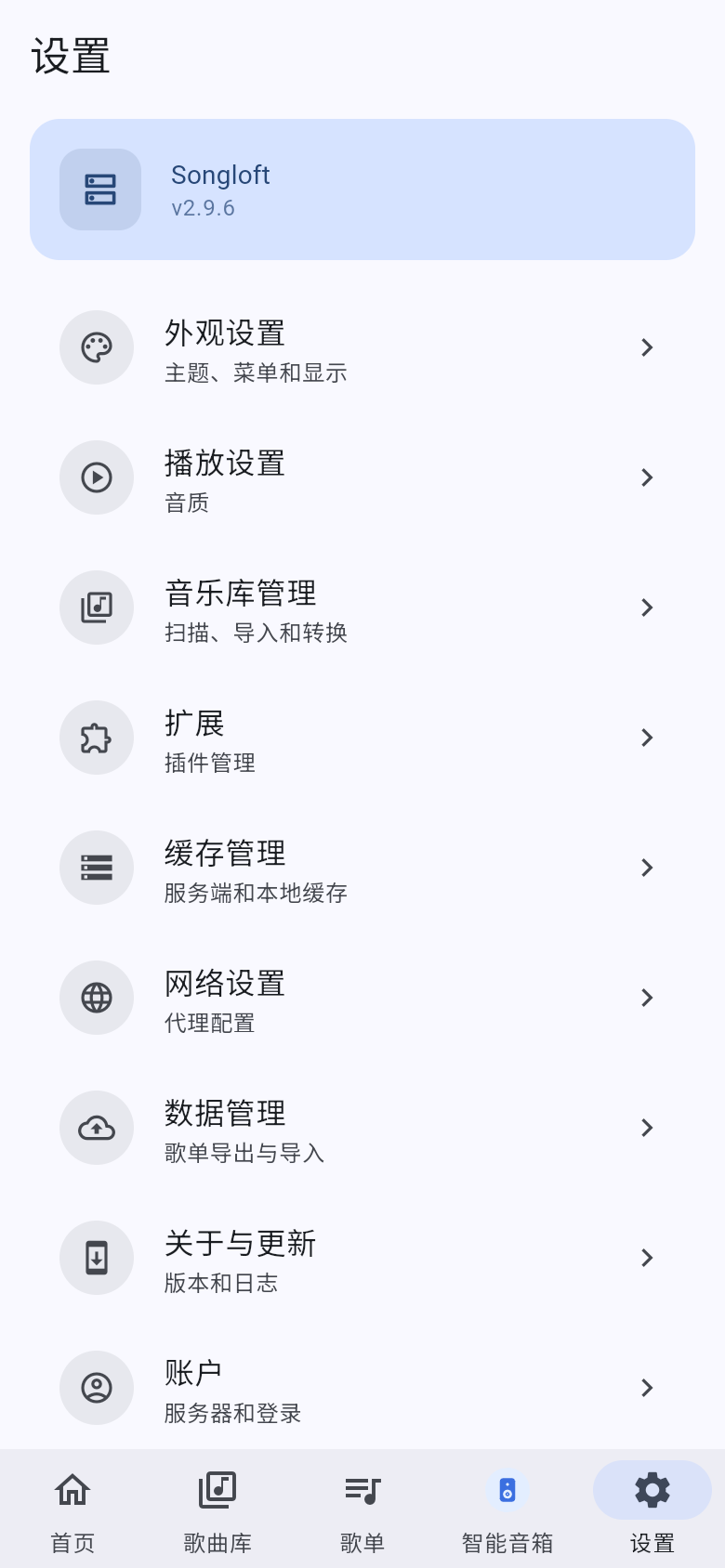 | 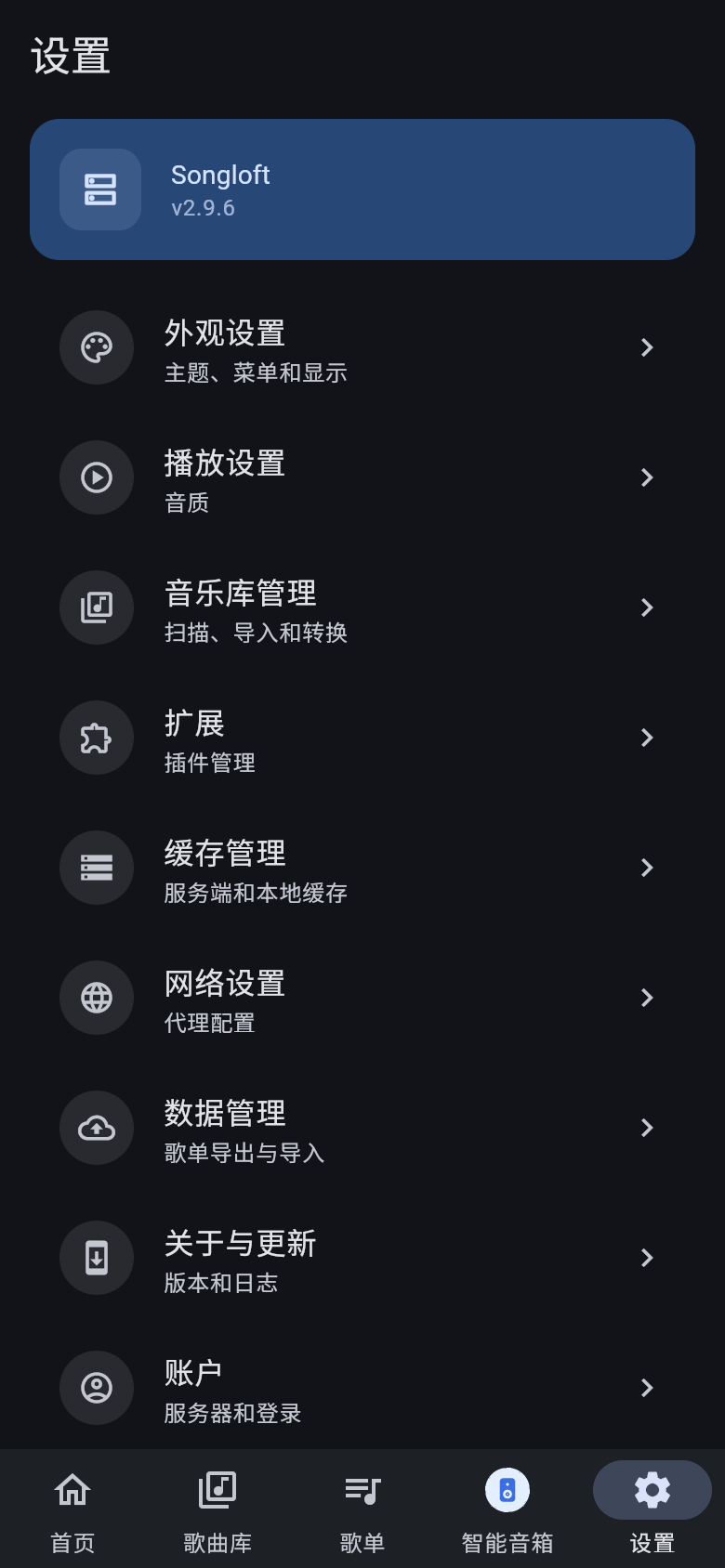 |